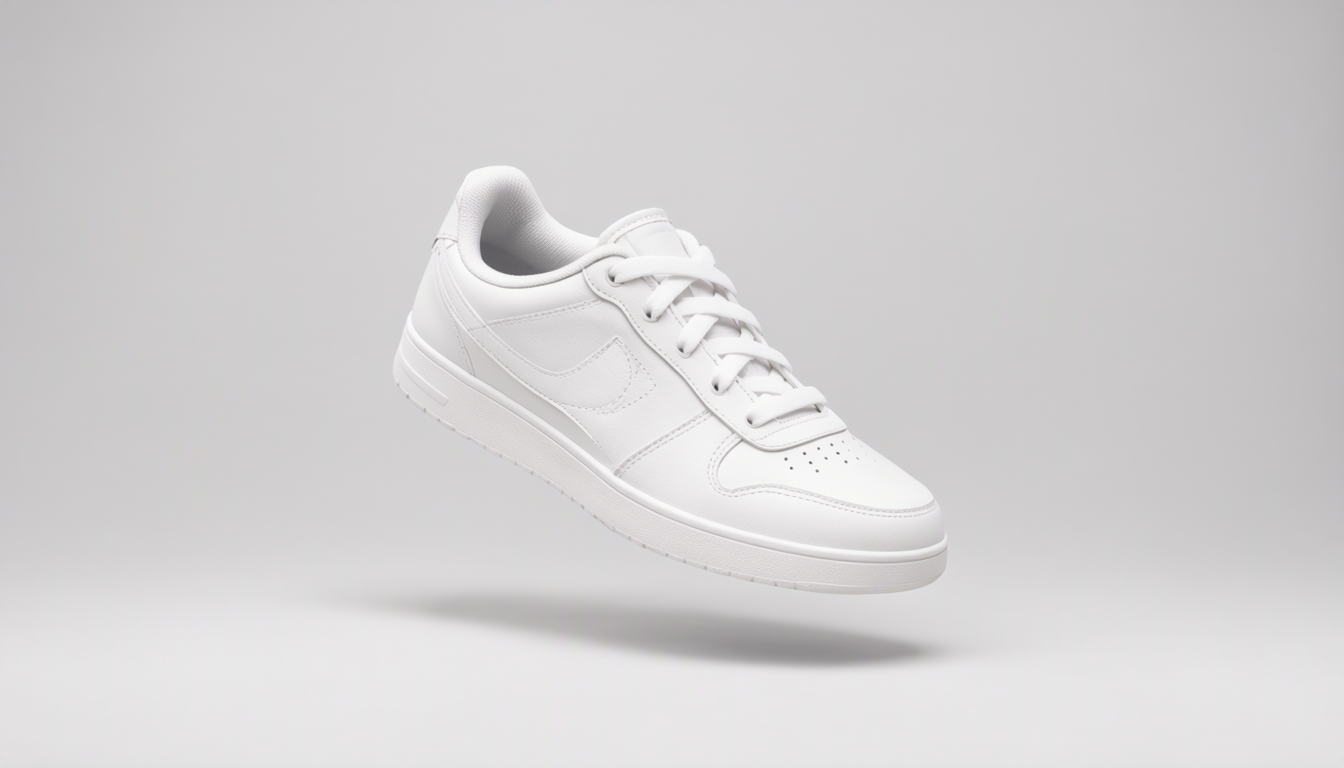
Remove Image Backgrounds Online for Free
Upload a photo, and we will cut out the subject with a clean transparent background. No account, no watermark, done in seconds.
How it works
Upload your image
Pick a JPG or PNG up to 50MB. No sign-up, no email, nothing to install.
The AI does the cutting
A model trained on millions of photos figures out which pixels are your subject and makes the rest transparent. Hair and tricky edges get a best-effort pass.
Download your image
Grab the transparent PNG and use it in listings, posts or designs. Your files are wiped from our servers within about five minutes.
Common uses
Store listings
Clean transparent or white backgrounds make products pop on Etsy, eBay and Shopify. Buyers judge photos fast, and cluttered backdrops lose sales.
Social media
Product shots, quote graphics and before/after posts all get more attention when the subject stands on its own instead of a busy background.
Collages and designs
Transparent images are building blocks. Layer them into posters, invitations, mood boards or scrapbook pages without fighting with rectangular photo edges.
Profile photos
A cluttered background behind your headshot does not help on a resume or profile page. Swap it for something plain in one upload.
Frequently asked questions
Is SimpleBGRemover really free?
Yes. There is no account to create, no watermark on the result, and no hidden fee. Upload as many images as you like and download the transparent PNG each time.
What file types can I upload?
JPG and PNG files up to 50MB. If your photo is larger, compress it first or crop out the parts you do not need.
Do you keep my images after processing?
No. Files are deleted from our servers automatically within about five minutes of processing, and because no account is required nothing is ever tied to your name or email.
How does the background removal work?
An AI model that has been trained on millions of object and background pairs predicts which pixels belong to your subject and makes everything else transparent. It usually takes a few seconds.
What can I do with the transparent PNG?
Use it for online store listings, social media posts, collages and design mockups. You can also drop it into any editor such as GIMP, Photoshop or Canva and add your own background color or image.
Why did my upload fail?
Usually it is the file type or size. Only JPG and PNG files up to 50MB are accepted, so try a smaller version of the photo if yours was rejected.