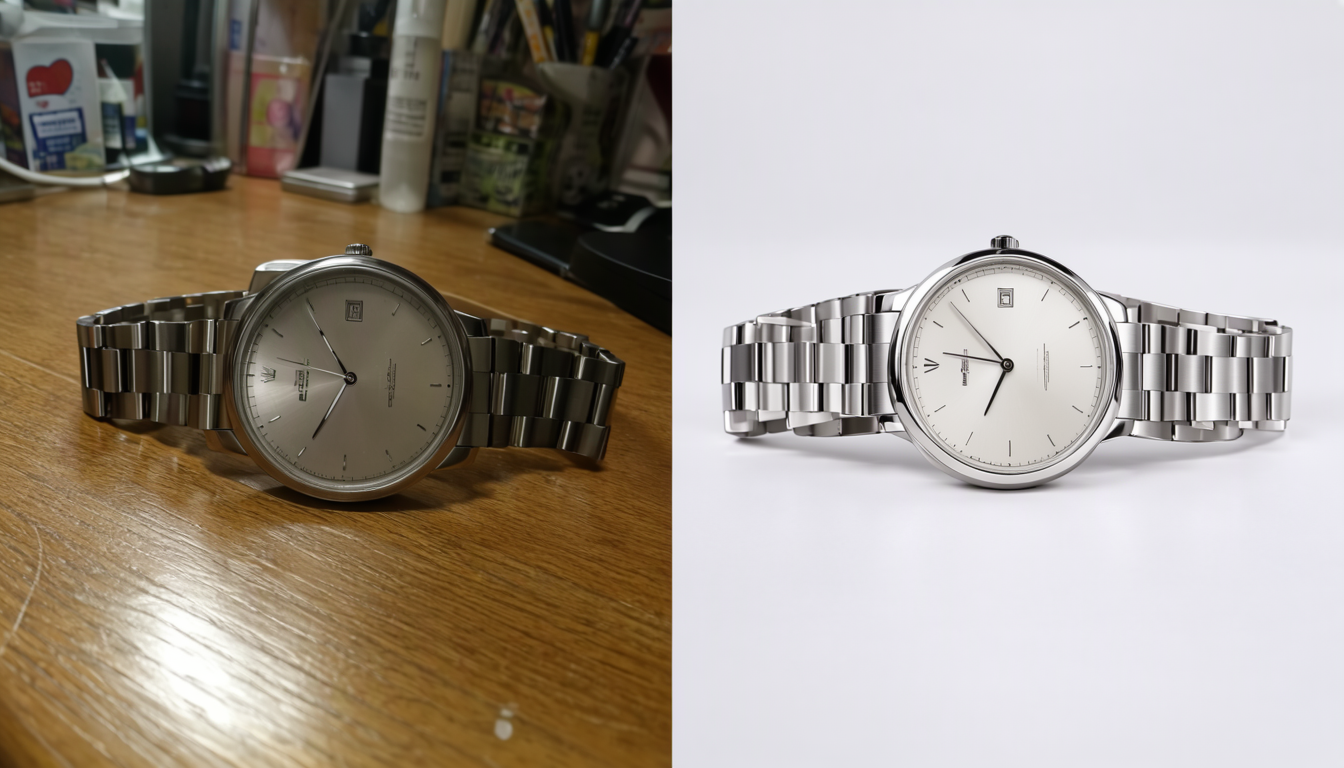
Every background remover advertises itself as the best, and most of them are fine for what you'll actually do with one. The real question isn't which tool has the fanciest demo video; it's whether your use case hits the specific limits that free tiers put in place. Here's an honest look at where free tools hold up and where paying genuinely saves time or money.
What free tools actually give you
Let's start with what "free" usually covers, because it varies a lot: - Genuinely free tools (SimpleBGRemover is one) let you upload images and download clean PNGs without an account, watermark, or hard cap on how often you use them. For occasional personal use, this category does the whole job. - Freemium tools typically give you a handful of free uses at reduced resolution, then ask for credits or a subscription for full-size downloads. The edge quality is often as good as anything else; what's gated is size and volume, not cleverness.
For single images of common subjects (people, products, pets), the difference in cutout quality between a top free tool and a paid one is small enough that most people can't tell them apart at normal viewing sizes. The models behind both are in the same family: U2-Net style architectures trained to predict which pixels belong to the subject. They all struggle with the same hard cases (fine hair, transparent objects like glass or white clothing on light backgrounds), and they all handle the easy majority well.
So if your use case is "remove a background now and again," free is not a compromise. It's just the right tool.
Where paid plans actually earn their money
Paying makes sense when you hit one of these specific walls: - Volume. If you're processing hundreds of product photos for a catalog, uploading them one at a time to any tool (free or paid) gets old fast. Batch processing, where you drop in a folder and get back a folder of cutouts, is the feature that saves real hours. This is the single most common reason businesses pay. - API access. If you're building something (a store pipeline, an app, a print-on-demand workflow), calling a background removal service from code beats clicking through a website for every image. Paid tiers are where APIs live, and they're usually priced per image or in monthly bundles. - Resolution limits. Some free tiers cap output size well below your original resolution, which is fine for web but not for large prints. If you regularly need big outputs, that cap will bite you eventually. - Priority processing. During busy periods, paid users often skip the queue. This matters less than it sounds unless you're working to a deadline with a stack of images waiting. - Licensing clarity. For commercial work, check what the free tier's terms actually say about using outputs in products you sell. Paid plans usually come with cleaner commercial licenses. It's not that free tools are shady; their fine print is just written for casual users.
Notice what's missing from that list: "better edges." If a sales page promises dramatically better cutout quality as the main reason to upgrade, be skeptical. The model differences are real but modest, and the hard cases stay hard on every tier.
When not to pay
- You remove backgrounds a few times a month for personal photos or social posts: free is enough, full stop.
- Your images are small (phone screenshots, web-sized product shots): resolution caps won't affect you.
- You need one-off high-quality results and have time: a free tool plus ten minutes of edge touch-up in a free editor like Photopea gets you most of the way there.
- You're testing whether background removal fits your workflow at all: start free, learn what's annoying about it, then pay only for the thing that was actually annoying.
A quick decision checklist
Ask yourself four questions: 1. How many images per month? Under a few dozen: free. Hundreds or more: look at batch pricing. 2. Do I need this inside software I'm building? Then you want an API, and those are paid by design. 3. Do my outputs need to be large (prints, packaging)? Check each tool's free-tier resolution cap before committing anywhere. 4. Is this for a business that sells the results? Read the license terms on both sides before choosing.
The answer to most of these is "free is fine" until you're doing real volume or building automation. That's not marketing; it's just what the feature sets look like.
The honest summary
Free background removal does the core job well for almost everyone, and several tools do it with no strings attached. Paid tiers buy you throughput (batch), integration (API), size (resolution caps), and paperwork (licensing). None of them buy you magic edges on hair or glass; plan to touch those up by hand regardless of what you pay. Try a free tool first, find the specific thing that slows you down, and only then decide whether the paid version of it is worth the price. If your "specific thing" turns out to be nothing at all, you've saved yourself a subscription. And if there's just one photo on your desktop right now, SimpleBGRemover will do it free in about ten seconds; that's a perfectly reasonable place to start any of these decisions.